Complete fleet tracking, built into Simpro
GPS fleet tracking that
turns site visits into job hours
Simtrac 360 is fleet tracking built inside Simpro, so vehicle data lands on the sites, jobs and assets you already run on. Time on site now becomes hours on the job, checked against the timesheet with no re-keying. Odometer readings and engine hours update the asset record, and service schedules stay current. No second portal to log into.

GPS fleet tracking for the field service trades

Electrical

Plumbing

HVAC

Security

Fire Protection
...and more
Simtrac 360 vs standalone GPS trackers
Why fleet tracking belongs inside your field service software
Field service fleet tracking pays off when vehicle data lands where the work is managed. A standalone vehicle tracking system shows where a truck went. Simtrac 360 turns that visit into hours on the Simpro job it belongs to, keeps the vehicle’s asset record current and uses your Simpro sites as geofences, so nobody re-keys hours or compares two systems by hand.

Time on site
Hours that reach the invoice
The tracker shows the truck was on site. Someone in the office still has to find the job and type the hours in, and some visits never make it.

Logins
One system, one sign-in
Tracking lives in its own portal with its own login, so it gets checked when someone remembers.

Sites
Sites managed once
Sync a site to the tracker, then redraw its geofence in another portal.
Vehicles
Asset records that stay current
Odometer and engine hours sit in the tracker while the asset record drifts.
How Simtrac 360 works
From plugged-in tracker to hours on the job in four steps
Simtrac 360 is a vehicle tracking system for contractor fleets that finishes what a standalone tracker starts: it gets the time on site onto the job in Simpro.


Timesheets from site visits
How GPS fleet tracking turns site visits into job hours
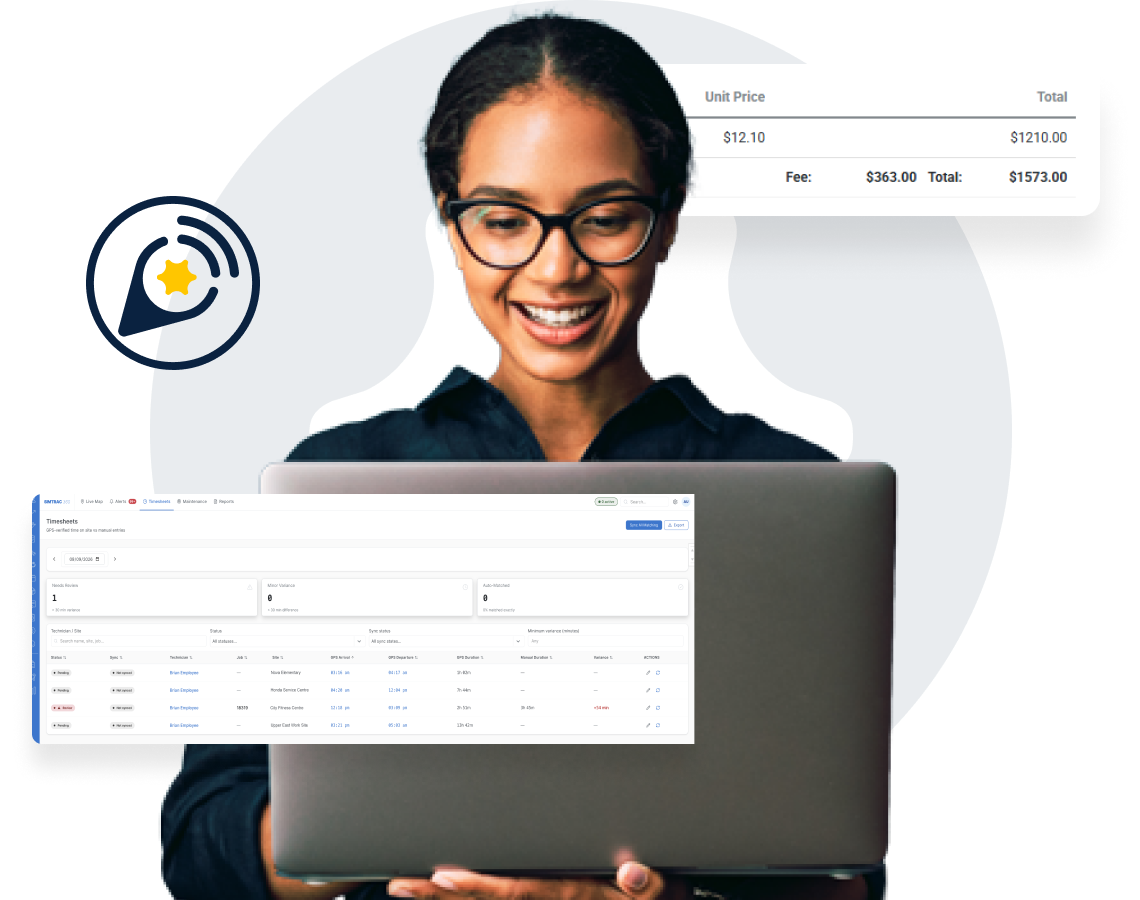
Simtrac 360 turns each vehicle arrival and departure at a Simpro site into labor hours on the matching job, paired by site and driver. The job card links to time on site and mileage, so time-and-materials work is billed for the hours worked and fixed-price margins show what the job really took. The hours were always there. Now they reach the invoice.
- Hours pushed into the job, no manual entry
- Job card link to time on site and mileage
- Matched by site and driver pairing
Simtrac 360 features
Fleet tracking software built into the Simpro you already run
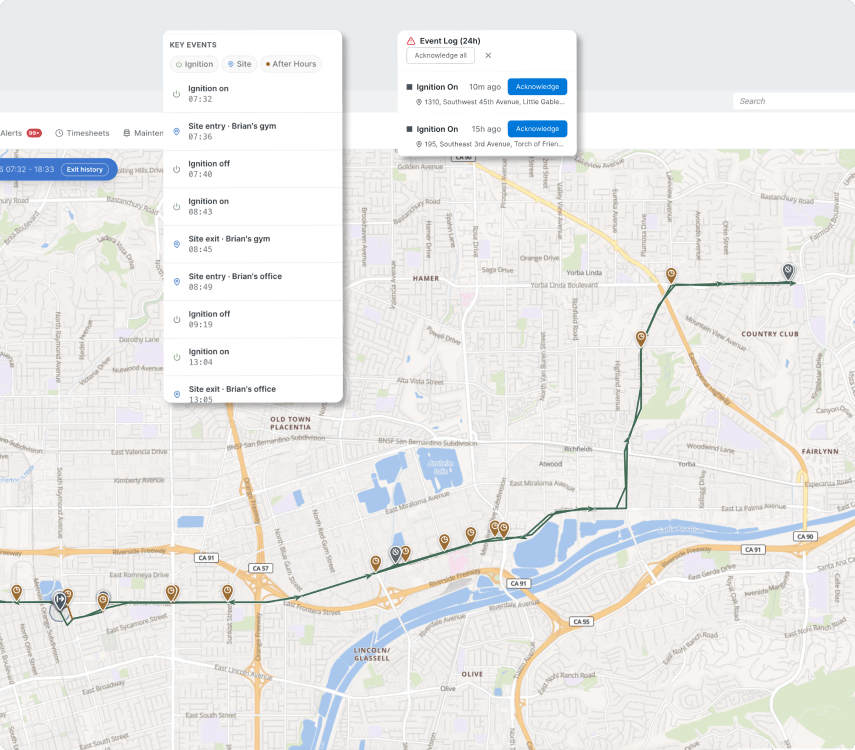
Live vehicle map, updated every 30 seconds
See where every vehicle is from inside Simpro. Positions report every 30 seconds, so the map shows where your fleet is now, not where it was.
- Inside Simpro under Utilities
- 30-second position reporting
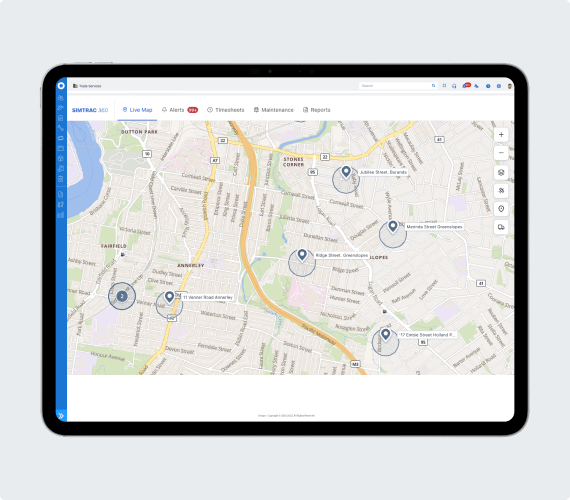
Geofences inside the site record
Every Simpro site carries a geofence tab, so arrivals and departures are measured against the sites you already manage. Edit a site once and it's done.
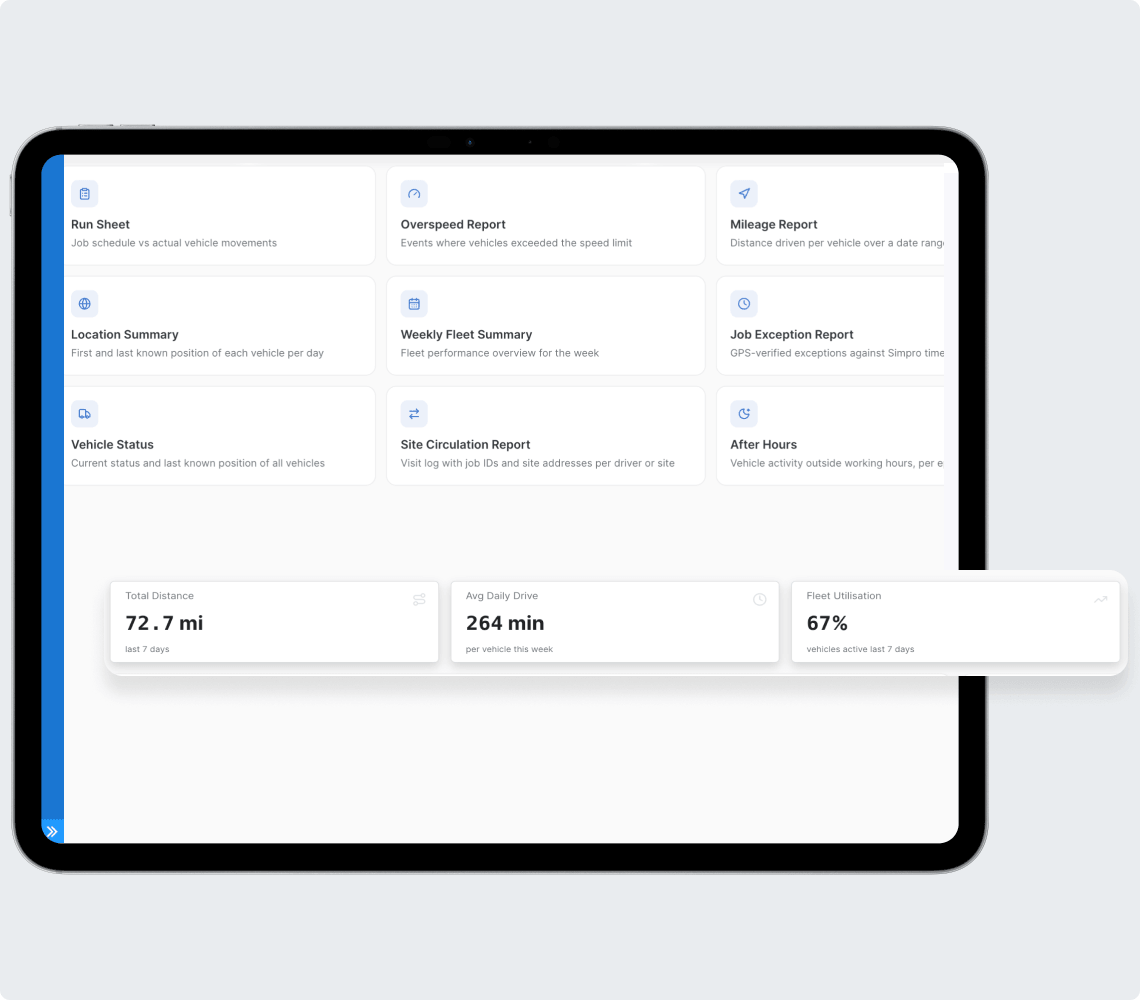
Vehicles as Simpro assets
Vehicles sit in Plant & Equipment. Odometer and engine hours update the asset record on a schedule, so service decisions use today's numbers.
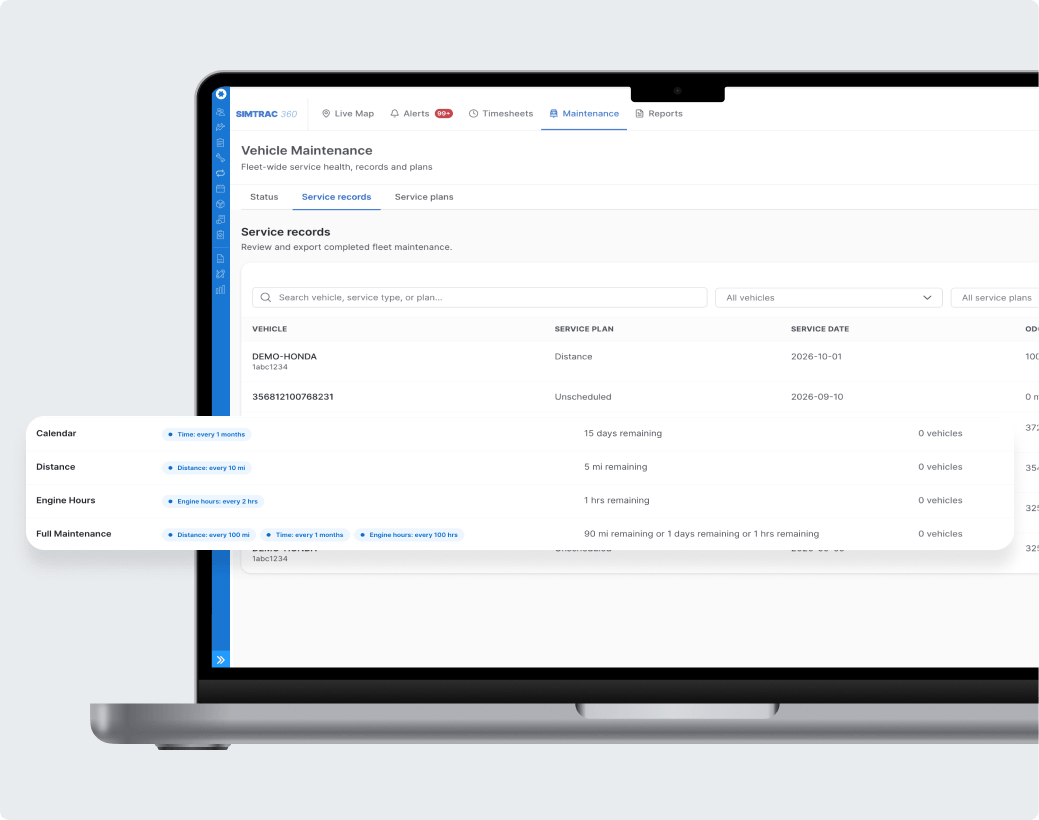
A service schedule that looks after itself
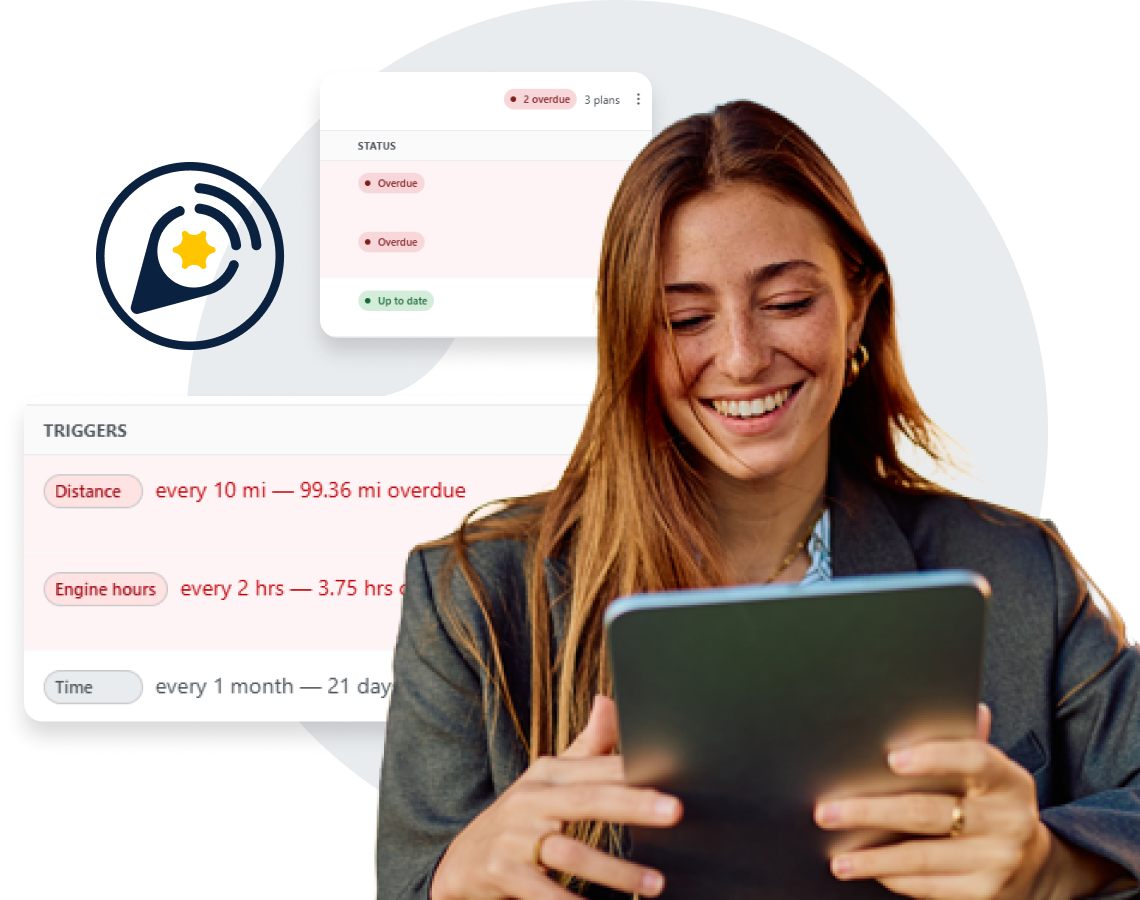
Run more than one maintenance plan per vehicle, such as an inspection and a service on separate cycles, each triggered by date, odometer or engine hours.
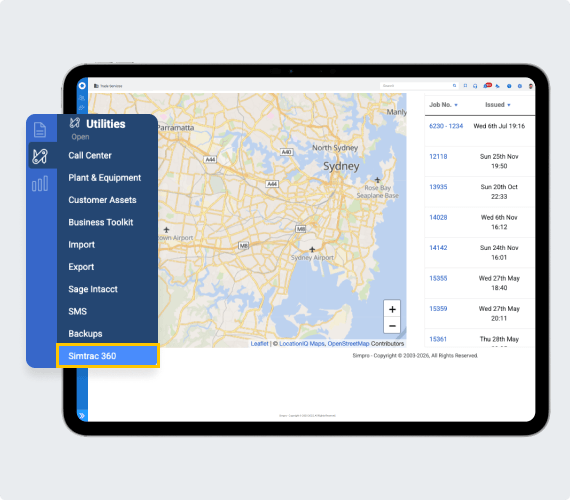
One login, access set in Simpro
Simpro is the sign-in, and access to Simtrac 360 follows the roles you set in Simpro. Add a user in Simpro and their access is already in place, with no second user list to keep in step.
Plug-and-play GPS tracker
Plug in the tracker and start tracking in minutes
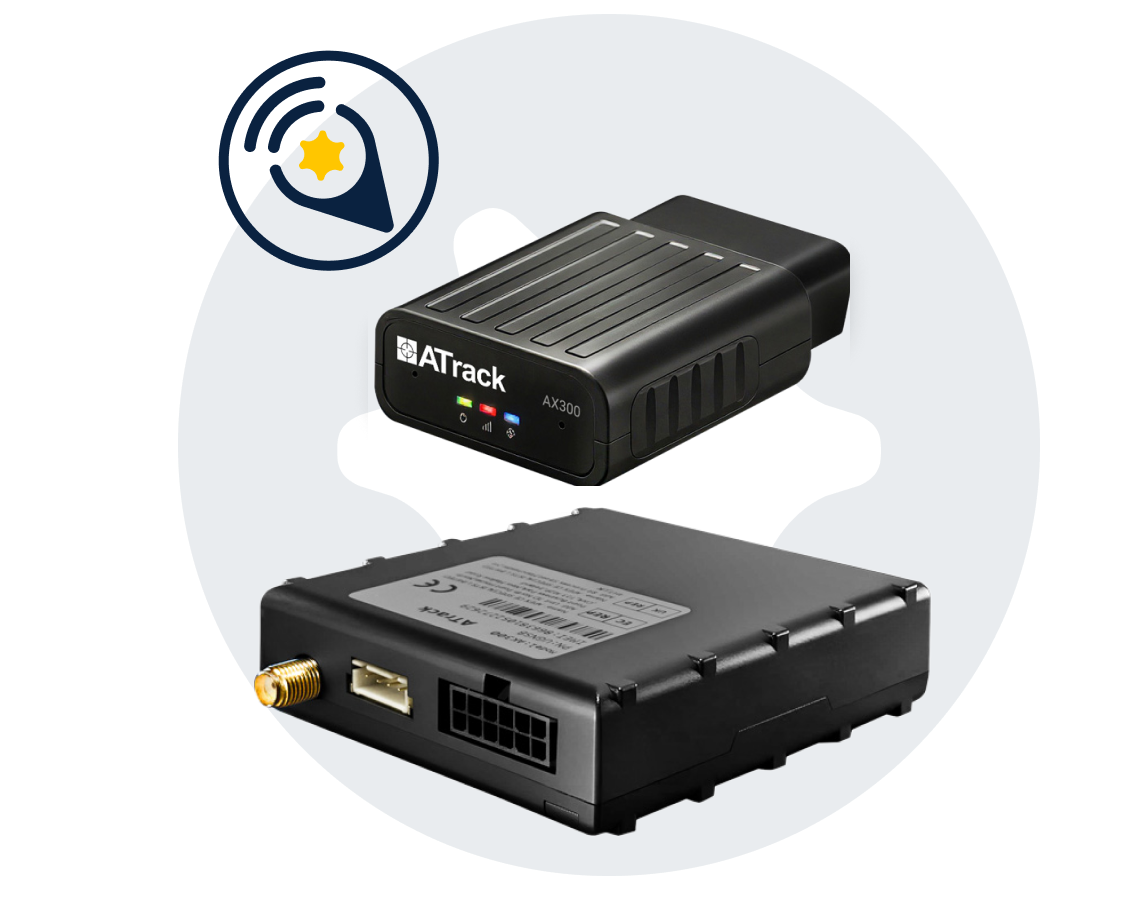
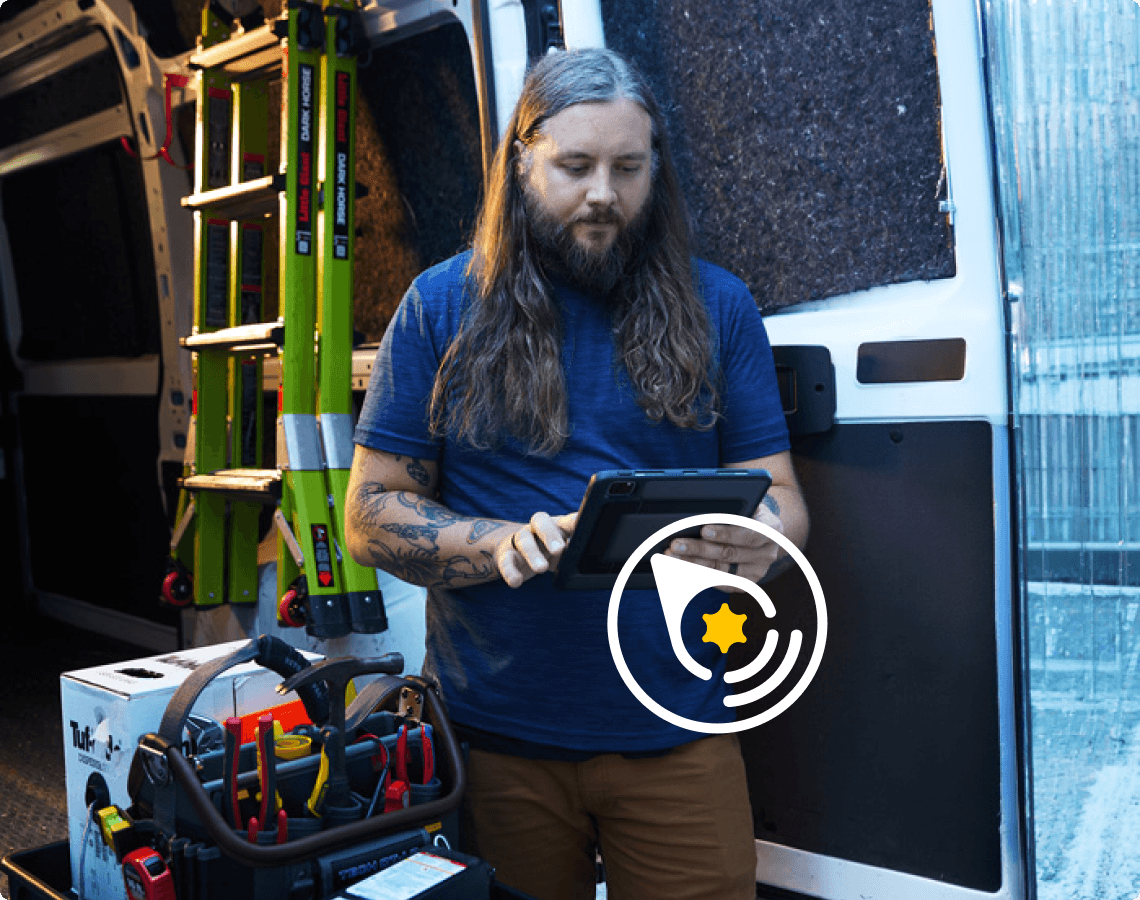
The AX300 is the standard install. It plugs into a vehicle's OBD port and self-installs in minutes, with no install fee and no wait for an installer. Where you need a covert or tamper-resistant install, the hardwired AK300 is available.
- No install fee on the AX300
- Self-install in minutes
- Hardwired AK300 for covert installs
GPS fleet tracking FAQs
GPS fleet tracking for field service, sometimes called field service telematics, records where work vehicles are and when they arrive at and leave job sites. Simtrac 360 does this inside Simpro, so site visits become labor hours on the job and vehicle readings update asset records without manual entry.
Standalone trackers and fleet management software keep vehicle data in their own portal. Simtrac 360 runs inside Simpro, writes site visits into job hours, pushes odometer and engine hours to the vehicle's asset record and uses Simpro sites as geofences. There's no second login and nothing to reconcile by hand.
When a vehicle arrives at and leaves the geofence on a Simpro site, Simtrac 360 records the visit and matches it to the job at that site by site and driver pairing. The time on site is pushed to the job as labor hours, and the job card links to the visit and the mileage.
Samsara and Geotab are dedicated telematics platforms that run in their own portal. Simtrac 360 is contractor fleet tracking built inside Simpro: site visits become labor hours on the job, odometer and engine hours update the vehicle’s asset record and your Simpro sites act as geofences, all under one Simpro sign-in.
Yes. Simtrac 360 is an add-on built inside Simpro and signs in through your Simpro account. It works on the jobs, sites, staff and assets you already manage there.
You probably do. The harder part is knowing how long each truck spent on site and getting that time onto the job. Simtrac 360 records arrival and departure and puts the hours on the job, so time that would have gone unrecorded reaches the invoice.
There are two trackers. The AX300 is the standard install: it plugs into the vehicle’s OBD port and self-installs in minutes, with no install fee. The AK300 is hardwired, for covert or tamper-resistant installs. Both report location and send odometer and engine hours to the vehicle’s asset record in Simpro.
Vehicle positions report every 30 seconds, so the live map in Simpro shows where vehicles are now.
Yes. Each vehicle can run several maintenance plans, each triggered by date, odometer or engine hours, so an inspection and a service can run on separate cycles.
Simtrac 360 tracks company vehicles, not people. A device in each vehicle reports where it is and when it arrives at and leaves a job site, so time lands on the right job. Rules on monitoring employees vary by state and country, so check the requirements where you operate.
Put your fleet inside Simpro and turn
every site visit into hours on the job
